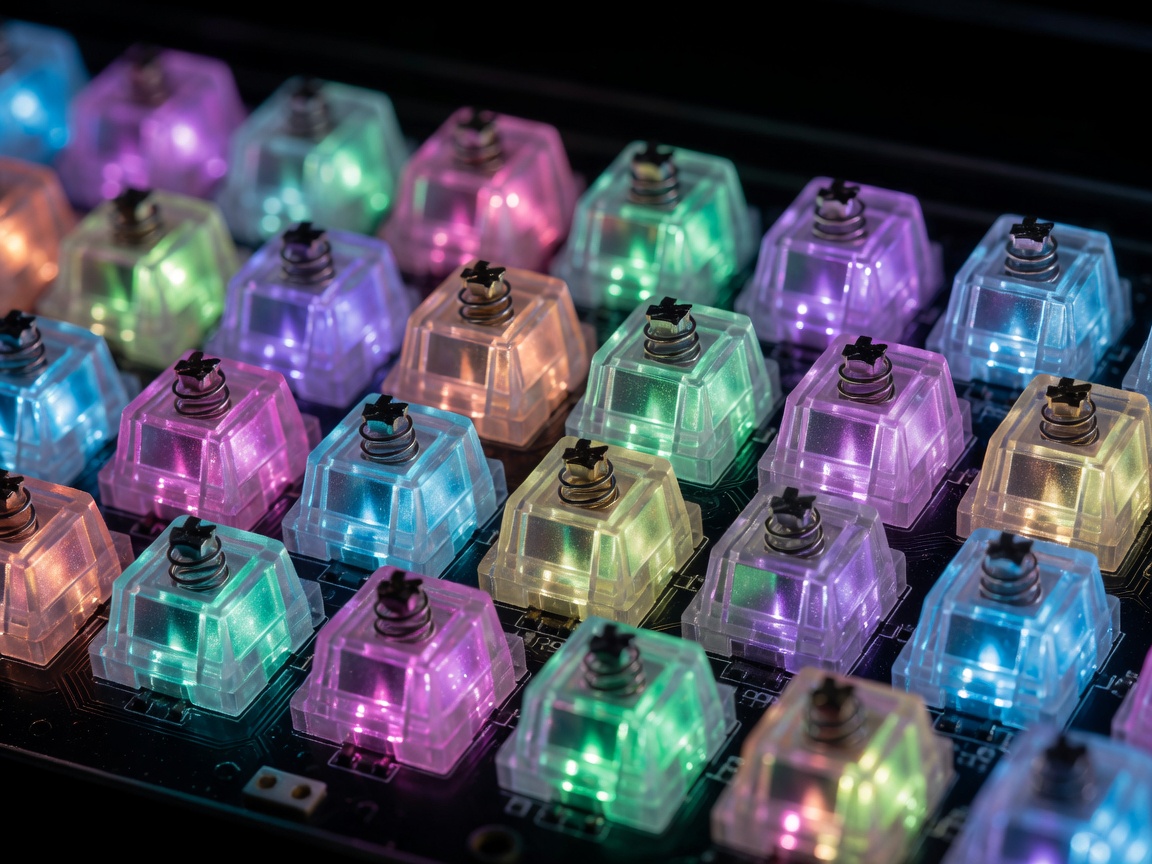
The Evolution of Gaming Illumination
The aesthetic of gaming hardware has fundamentally shifted over the last decade. What began as simple, single-color cathode tubes has evolved into complex, dynamically addressable micro-LED environments. Today, building a visually striking gaming setup is less about how many lights you can cram into a chassis, and more about how elegantly you can control and synchronize them.
Addressable (ARGB) vs. Standard RGB
The most crucial distinction for any system builder is understanding the difference between standard RGB and Addressable RGB (ARGB/RGBIC). Standard RGB uses a 4-pin 12V connector. When a color signal is sent through this connection, every diode on the strip displays the exact same color simultaneously. You can change the color of the entire strip, but you cannot display multiple colors at once.
Addressable RGB, utilizing a 3-pin 5V header, fundamentally changes the paradigm. Each diode (or small cluster of diodes) possesses an integrated circuit (IC) that allows it to receive independent color and brightness instructions. This technology enables fluid gradients, chasing effects, and sophisticated screen-mirroring dynamics where a single strip can display a full spectrum gradient concurrently.
The Ecosystem Dilemma
The biggest challenge facing PC builders is ecosystem lock-in. Major peripheral manufacturers have developed proprietary software environments intended to control internal case lighting, fans, memory modules, keyboards, and mice.
When you mix hardware—say, fans from one brand, a keyboard from another, and memory from a third—you are often forced to run three separate, resource-heavy software suites in the background. This not only consumes CPU cycles but prevents the lights from synchronizing into a cohesive theme.
Advantages of Single-Ecosystem Builds
- Unified Control: One application controls everything.
- Advanced Effects: Allows effects to physically travel across peripherals (e.g., from the keyboard to the case fans).
- Lower Overhead: Fewer background processes consuming system memory.
Disadvantages of Single-Ecosystem Builds
- Hardware Restriction: Limits your peripheral choices to a single brand.
- Price Premiums: Locked ecosystems often command higher prices for proprietary controllers.
- Connector Incompatibility: Many brands use proprietary pin layouts rather than standard 3-pin ARGB.
Open-Source and Third-Party Solutions
To combat ecosystem fragmentation, third-party synchronization software has emerged as a powerful alternative. Applications that interface directly with various manufacturer APIs allow users to sync disparate hardware under a single, unified interface.
While configuring these setups requires a bit more technical patience—often involving tracking down specific device IDs or configuring custom LED counts per channel—the result is complete hardware freedom without sacrificing aesthetic unity.
Placement and Diffusion
The hallmark of a premium lighting setup is not seeing the light source itself, but rather the light it casts. Exposed LED diodes often create harsh hot-spots that reflect poorly on monitors and cause visual fatigue during long gaming sessions.
- Desk Edge Underglow: Mounting downward-facing strips along the rear edge of the desk creates a floating effect that highlights the wall behind the setup without glaring directly into the user's eyes.
- Diffusion Channels: If LED strips must be visible, mounting them inside aluminum channels with frosted acrylic diffusers blends individual diodes into a continuous, neon-like beam of light.
- Internal Case Reflection: Inside the PC chassis, aiming ARGB strips toward white or metallic components (rather than outward through the glass) creates a soft, ambient glow that illuminates the hardware cleanly.
Power Delivery Considerations
It is crucial to remember that 5V ARGB setups draw significant amperage. A standard motherboard 3-pin ARGB header is typically rated for a maximum of 3 Amps (approximately 15 Watts). Chaining too many LED strips or fans to a single header can lead to dimming at the end of the chain, incorrect color reproduction (as the voltage drops, white shifts to yellow or red), or permanent damage to the motherboard header.
For extensive setups, always utilize powered SATA or Molex ARGB hubs. These hubs draw the color signal from the motherboard but pull power directly from the Power Supply Unit (PSU), allowing for massive LED arrays without risking system instability.