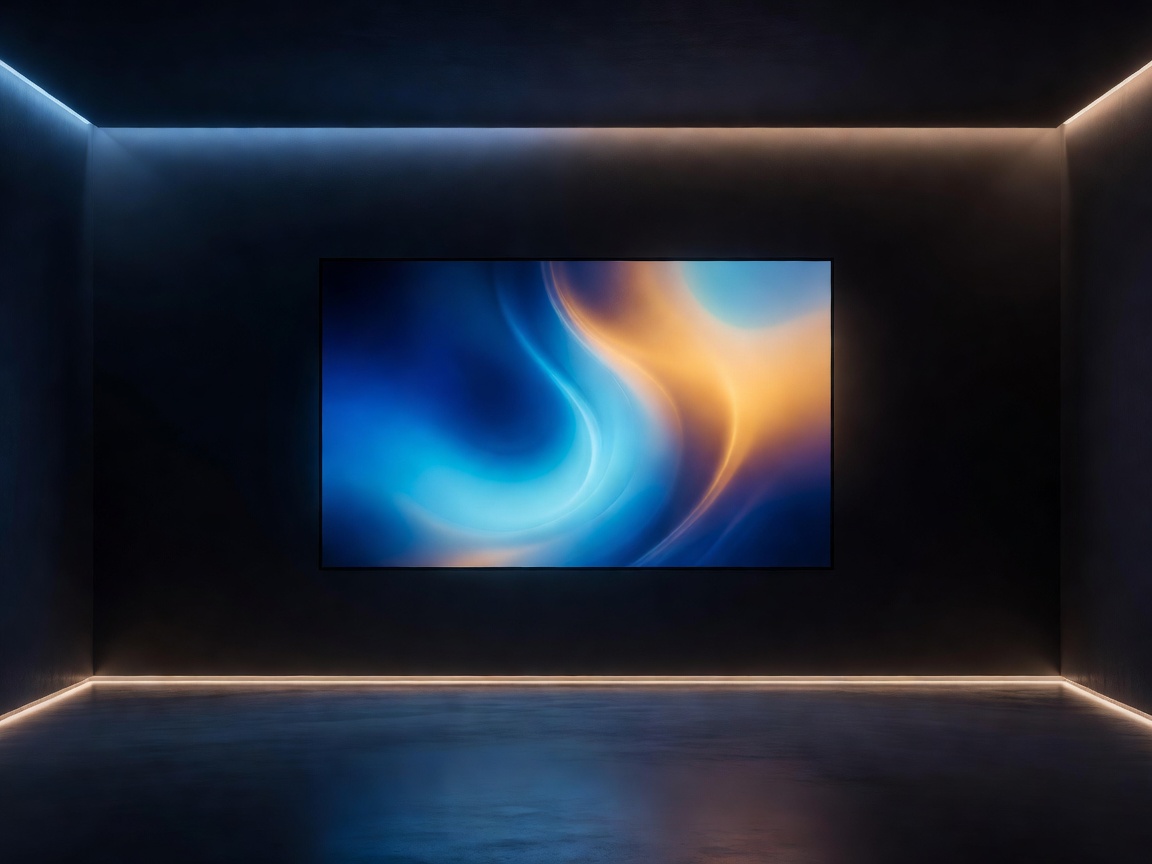
The Biological Need for Bias Lighting
Viewing a highly luminous display in a completely dark room forces the iris of the human eye to work in overdrive. As scenes rapidly shift from bright explosions to dark shadows, the pupil must constantly dilate and constrict. Over hours of gaming or movie-watching, this aggressive muscular adjustment leads directly to ocular fatigue, tension headaches, and dry eyes.
Bias lighting—the practice of placing a diffuse light source behind a display—solves this physical dilemma. By raising the ambient light level of the wall directly behind the monitor, you establish a baseline of illumination. The pupils remain relatively stable during harsh scene transitions on screen, drastically reducing visual fatigue while preserving the dramatic impact of a darkened viewing environment.
The Optical Illusion of Contrast
Beyond physical comfort, bias lighting manipulates our visual perception to make displays look technically superior. Gray and black levels on a display are relative to the surrounding environment. When viewed against a pitch-black wall, the deep grays of an LCD panel can look washed out and muddy.
When you place a neutral, controlled glow behind the display, the contrast ratio is perceptually enhanced. The black bars at the top and bottom of a cinematic film appear deeper and inkier, and colors appear more vibrant. This optical illusion is a fundamental technique used in professional color grading suites worldwide.
The Purist Approach: 6500K Static White
For cinematic purists and professional editors, there is only one correct way to implement bias lighting: a static, high-CRI light calibrated exactly to 6500 Kelvin (D65). This specific color temperature matches the white point standard to which all films, television shows, and digital content are graded.
Introducing saturated colored lighting behind a screen physically alters how your eyes perceive the colors on the screen itself. If you project bright red light on the wall behind your monitor, your brain compensates by perceiving the image on the screen as having a slight cyan tint. A precise 6500K light ensures the colors on your display remain perfectly accurate to the creator's intent.
The Immersive Approach: Reactive RGB Sync
While the 6500K standard is non-negotiable for professional color work, mainstream consumers and gamers have gravitated toward reactive RGB ecosystems. These systems analyze the content on the screen and project matching colors onto the wall in real-time, effectively extending the edges of the display into the room.
There are two primary methods for capturing screen data for reactive lighting:
- HDMI Sync Boxes: The most premium and responsive method. The video signal from your console or streaming box passes through a physical hardware box before reaching the TV. The box analyzes the frame data instantly and transmits color instructions to the LED strips. This results in zero latency and perfect color matching, though it cannot process internal smart TV apps.
- Camera-Based Systems: A small camera mounts to the top or bottom of the display, looking at the screen. It processes the visual data and sends it to the lights. These systems are much more affordable and work with native TV apps, but they can suffer from slight latency and can be confused by severe glare or reflections on the screen surface.
Static 6500K Lighting
- Color Accuracy: Preserves exact color representation on the display.
- Cost Effective: Requires only a simple, high-CRI light strip.
- Zero Distraction: Does not pull the viewer's focus away from the content itself.
Reactive RGB Systems
- Visual Distraction: Rapid flashing or incorrect color tracking can break immersion.
- High Cost: Sync boxes are notoriously expensive and require external hardware chains.
- Format Limitations: Sync boxes often struggle to pass high-bandwidth signals like 4K 120Hz or complex VRR (Variable Refresh Rate) protocols.
Installation Considerations
Optimal placement is crucial. For televisions mounted close to the wall, lighting should be applied in an inverted "U" shape (top and both sides), inset a few inches from the edge of the screen to prevent individual diodes from peeking out. The distance from the wall dictates the diffusion—too close, and you will see harsh hotspots; too far, and the light dissipates too widely.